Understanding Cockroaches in Game Consoles: A Common Issue

Updated: Sep 25
Why Game Consoles Attract Cockroaches
It sounds like a joke, but it really isn’t. One of the strangest — and surprisingly common — things we see during console repairs in Australia is cockroaches inside game consoles, including PlayStation, Xbox, and Nintendo consoles.
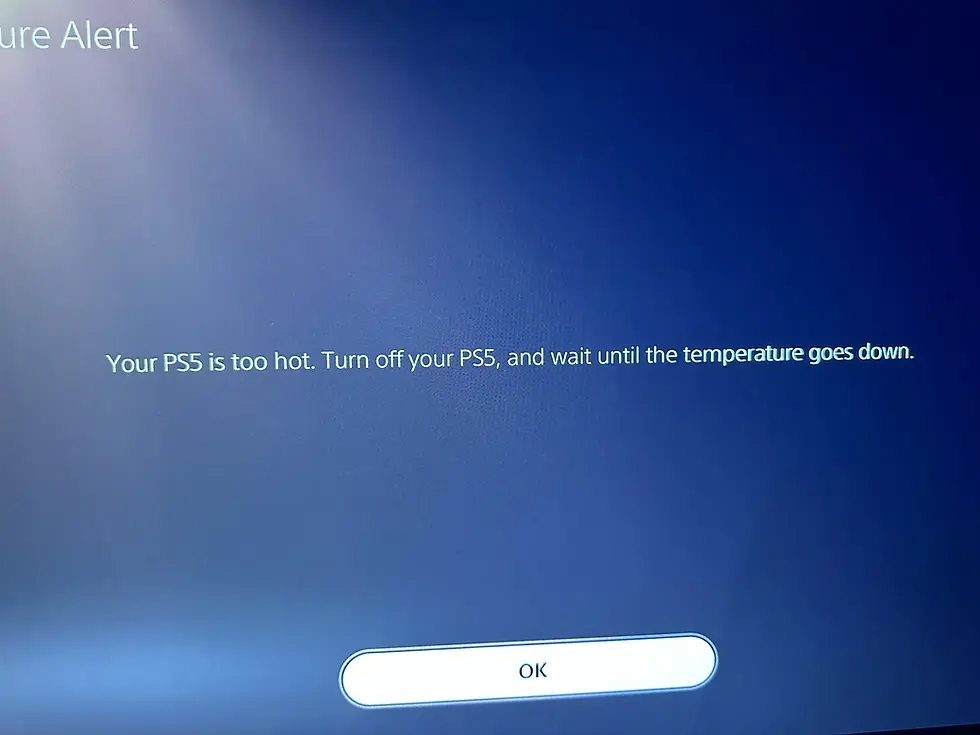
Most people only find out when their console starts acting strange. Maybe it shuts down mid-game, overheats for no reason, or gives off a weird smell. From the outside, everything looks fine — but inside, it can be a very different story.
Game consoles are almost perfect environments for cockroaches. They’re warm, dark, and usually left undisturbed for long periods of time 🎮🔥. After a long gaming session, the heat stays trapped inside the console, creating exactly the kind of space pests are drawn to. Add dust buildup or the occasional snack nearby, and it becomes even more appealing.
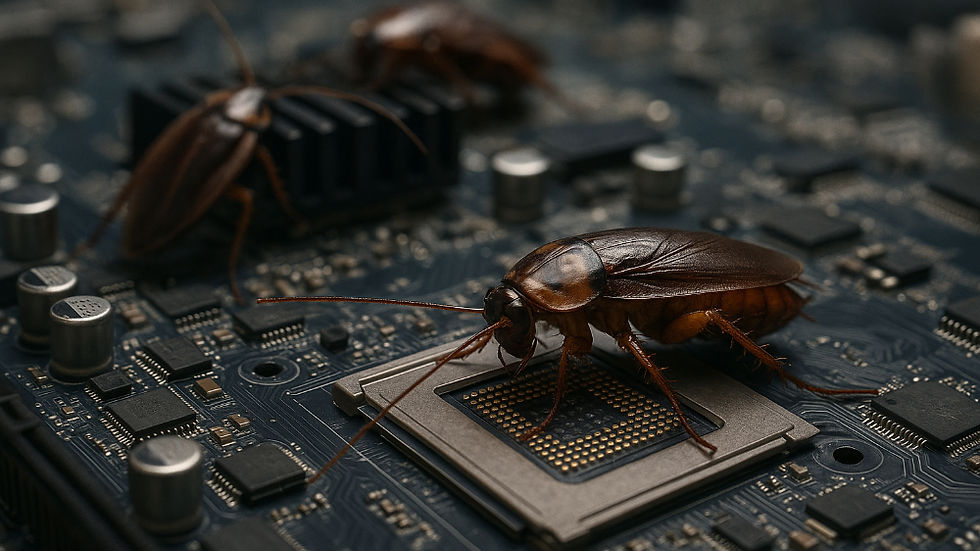
Once cockroaches make their way inside, they don’t just hide there — they cause real damage. We often see consoles that randomly shut down, overheat, or refuse to turn on at all. This happens because cockroaches crawl across live electrical components, which can short-circuit the system. Over time, their droppings and remains can also corrode the motherboard, turning a small problem into a serious one.
The Reproductive Cycle of Cockroaches
😬 Here’s the part most people don’t expect: a single cockroach can bring eggs inside the console. That means what starts as one insect can quickly become an infestation. In severe cases, the damage can be so extensive that the console is no longer economical to repair — something we unfortunately encounter during gaming console repairs more often than you’d think.
Preventing Infestations
The good news is that this kind of issue is often preventable. Consoles that are kept off the floor, well-ventilated, and free from dust are far less attractive to pests. Regular internal cleaning also helps keep temperatures down, which is especially important during warmer months in Australia 🏡☀️.
Best Practices for Console Maintenance
Keep Consoles Elevated: Place your console on a shelf or table rather than on the floor. This reduces the likelihood of pests crawling in.
Ensure Proper Ventilation: Make sure your console has enough space around it to allow for airflow. This helps prevent overheating.
Regular Cleaning: Dust your console regularly. A clean environment is less inviting to cockroaches and other pests.
Limit Food and Drink Nearby: Avoid eating or drinking near your gaming setup. Food crumbs can attract pests.
What to Do if You Suspect an Infestation
If you ever suspect there may be something living inside your console, it’s important not to spray insect killer into it. While it might seem like a quick fix, it usually causes more damage to internal components. The safest option is to turn the console off, unplug it, and have it professionally inspected and cleaned.
Signs of Infestation
Unusual Smells: A strange odor can indicate the presence of pests.
Overheating: If your console frequently overheats, it may be a sign of an internal issue.
Random Shutdowns: Unexpected shutdowns can be a symptom of cockroach interference.
The Importance of Regular Maintenance
Regular maintenance is crucial for keeping your gaming console in top shape. Not only does it help prevent infestations, but it also extends the life of your device. Here are some additional tips:
Schedule Routine Check-Ups
Consider scheduling routine check-ups with professionals. They can provide thorough cleaning and inspection, ensuring your console remains in optimal condition.
Use Protective Covers
When not in use, consider using protective covers for your consoles. This can help keep dust and pests at bay, providing an extra layer of protection.
Monitor Usage Patterns
Keep an eye on how often you use your console. If it’s frequently used, ensure it’s cleaned more often. This can help mitigate the risk of infestations.
Conclusion
Cockroaches inside consoles are far more common than people realize, particularly in warmer climates like ours. Catching the problem early can often save your console, your data, and your money.
If your PlayStation, Xbox, or Nintendo is overheating or behaving strangely, it may be time to have it checked by professionals at Queen Repairs 👑🛠️.
By following these guidelines, you can help ensure that your gaming experience remains uninterrupted and enjoyable. Remember, prevention is always better than cure!